
SSH on a pocket e-ink reader
x4ssh turns the Xteink X4 into a terminal. Pair a Bluetooth keyboard and log in to your machines.
Download
firmware.bin, 1.8 MB
Needs CrossPoint on the X4 and a Bluetooth LE keyboard.

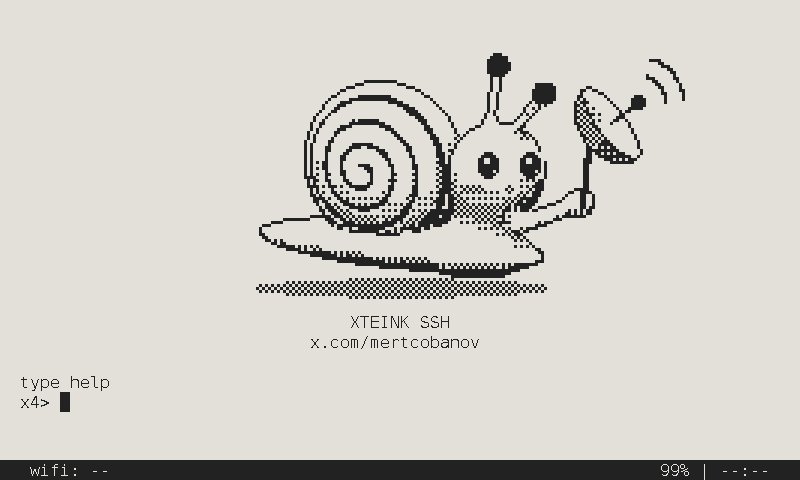
Meet the snail
SSH is a secure shell, and e-ink takes its time.
What x4ssh does
-
x4> pair
Pair a Bluetooth LE keyboard from the prompt. It reconnects on boot.
-
x4> key
An ed25519 key made on the device at first boot. It never leaves, and passwords work too.
-
x4> ssh
Host keys are saved on first connect, and a changed key is refused.
Install from the SD card
- Copy firmware.bin to your SD card
- Put the card in the X4
- Open Settings → System → SD Card Firmware Update
To go back, type crosspoint at the prompt. The SD update is new and not yet tried on a device: if it fails, flash over USB.